

《 Introduction 》
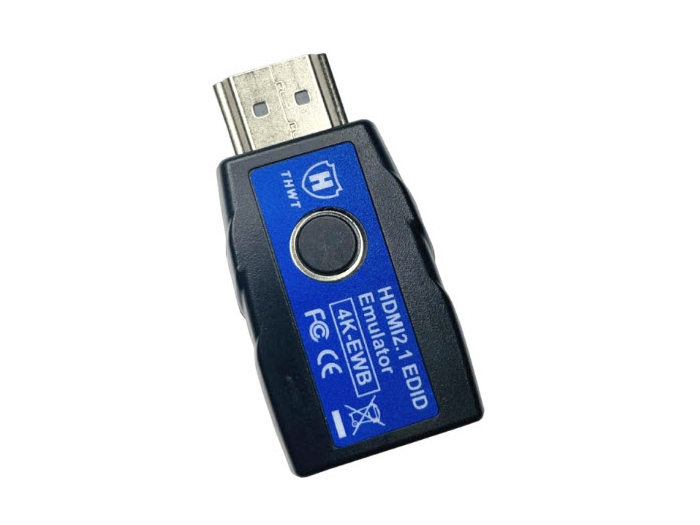
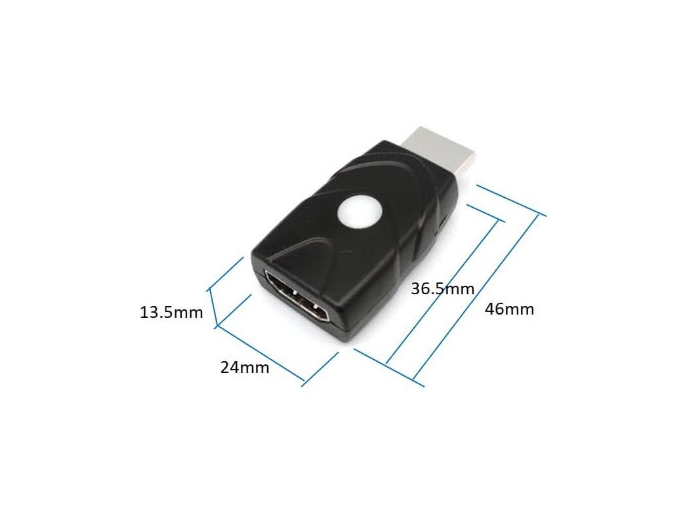
The HDMI EDID Emulator supports EDID copying and emulation to maintain stable connections with splitters, switchers, extenders, or headless setups,ensuring consistent display output even when monitors are disconnected or powered off.
《 Features 》
1. Bi-Directional Design. It can automatically detect the direction of HDMI ( Sink and Source auto detection), supporting both forward
and reverse connections, allowing the choice to connect the EDID emulator on the computer or display side, offering more convenient installation
and application options.
2. Compliant with HDMI 2.1, data rate up to 48 Gbps ( 12 Gbps per lane ).
3. Compliant with HDCP 1.4 / 2.2 / 2.3.
4. Supports HDCP Pass-through ( not removal ), which permits HDMI output devices to access the display's HDCP keys when properly connected.
In the absence of HDCP, the screen will either display a blank image or revert to a lower resolution.
5. Supports resolutions up to 4K@120Hz YCbCr 4:2:0 / 1080p@240Hz YCbCr 4:4:4. ( does not support 8K resolution )
6. Supports SCDC handshaking with 10x, 40x, and hot-plug functionality. ( does not accommodate the FRL handshaking necessary for 8K resolution )
7. Supports headless operation no monitor connection required.
8. Pre-programmed with many standard resolutions with native set to 4K@60Hz YCbCr 4:4:4 ( internal EDID ) / 4K@120Hz YCbCr 4:2:0 ( external EDID ).
The selectable resolutions are dependent on the computer's graphic card.
9. Default EDID supports 2.1-channel audio. Copied EDID can support higher audio formats ( e.g., 5.1 or 7.1 channels ) based on the display's capabilities.
10. A single button switches between internal EDID ( 4K@60Hz 4:4:4 ) and external EDID ( 4K@120Hz 4:2:0 or copied EDID ) modes.
Holding the button for 3 seconds activates EDID copy mode to store the connected display's EDID ( save the latest EDID ).
Holding the button for 10 seconds to restore the factory default settings.
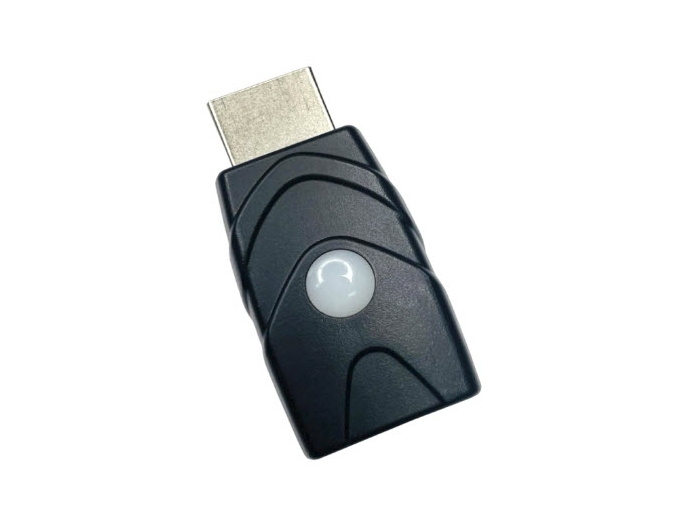
11. LED indicator provide signal status information ( internal EDID - Green LED ) / ( external EDID - Blue LED ).
12. Compact size for easy installation.
13. Supports Plug-n-Play. No driver, software required.
14. No external power supply required, powered by DisplayPort source device.
15. Ideal for resolving signal handshaking problems between a source and a display.
《 Common Applications 》

Enables virtual display detection for remote desktop access without a physical monitor, saving energy and simplifying setups.
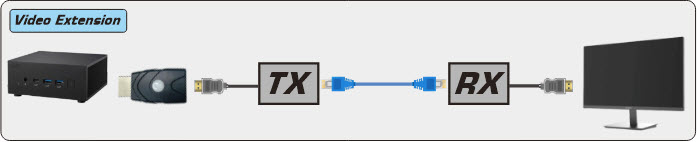
Ensures stable EDID correspondence for extenders, maintaining consistent audio/video output.
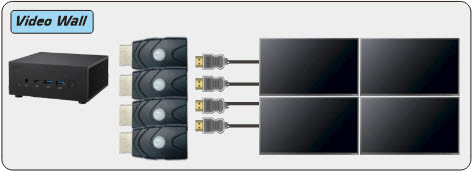
Prevents screen arrangement changes during reboots or monitor power cycles.
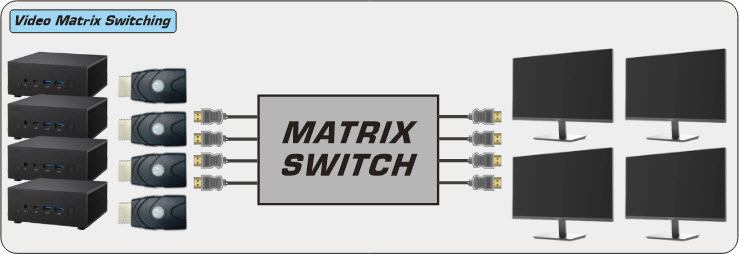
Stabilizes video output during switching, ensuring EDID-based display output.
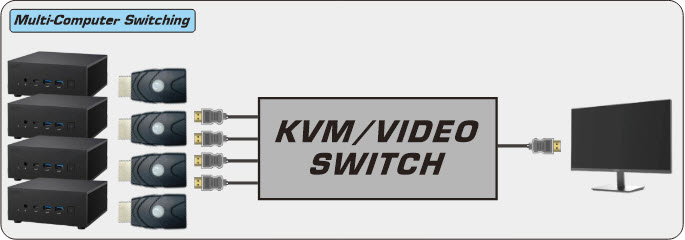
Ensures consistent EDID detection, preventing display anomalies or system logouts.
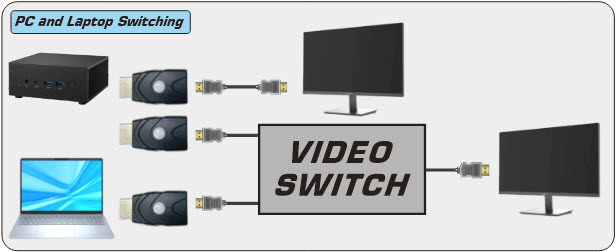
Maintains EDID detection for each HDMI output, ensuring stable window arrangements and accurate aspect ratios.
《 Specification 》
|
HDMI 2.1 EDID Emulator |
|
|
Model No. |
4K-EWB |
|
Description |
HDMI 2.1 EDID Emulator |
|
Input Interface |
HDMI Type A ( Male ) |
|
Output Interface |
HDMI Type A ( Female ) |
|
Resolution ( Max. ) |
4K@120Hz YCbCr 4:2:0 / 1080p@240Hz YCbCr 4:4:4 |
|
Operating Temperature / Humidity |
0 to 40°C / 20% to 80% RH ( Non-condensing ) |
|
Storage Temperature / Humidity |
-20 to 60°C / up to 95% RH ( Non-condensing ) |
|
Dimensions |
41x23x12 mm |
|
Weight |
10g |
|
Power Supply |
via HDMI source device |